
What is Autoplace?
Ever had a document with a lot of images, a lot of text, or a lot of both? Ever had those instructions that require it's ordered in a specific way, whether it's on price, service, or serial number?
If you dread manually managing content and ensuring it's all in the correct order, taking away
from your time better spent for creative flare, then Autoplace is the app for you. Beyond rigid,
traditional data mapping, our solution embraces editorial and graphic design creative freedom,
adapting to your unique design intent rather than forcing you into a static box.
It
moves away
from the constraints of legacy automated setups, offering a flexible "instruction set" that
prioritizes user adaptability over technical headaches.
Automatically place content in InDesign with multi-modal, flexible ordering based on InDesign Styles. Live sync to document or save projects for designer-client use. Transform assets into a smart database to automate complex workflows instantly.
The Inspiration
Autoplace was born from a frustration: creative pros spending more time on repetitive data entry than design. We saw professionals bogged down by the manual placement of hundreds of photos and specs. Inspired to treat InDesign templates as Smart Databases, we built a tool that leverages native Paragraph and Object Styles to bridge the gap between raw data and professional layout.
Who It’s For
Designed for high-velocity production, Autoplace helps agency designers, leads, and artists who refuse to sacrifice integrity for speed. It handles the "grunt work" of placement so you can focus on the aesthetic.
Whether starting from scratch or converting existing assets, Autoplace scales to your workflow. For those working with clients, the ecosystem expands further with our standalone staging tool, Autoplace Editor.
Want to learn more about Autoplace Editor?
Autoplace Editor01 — real estate marketing
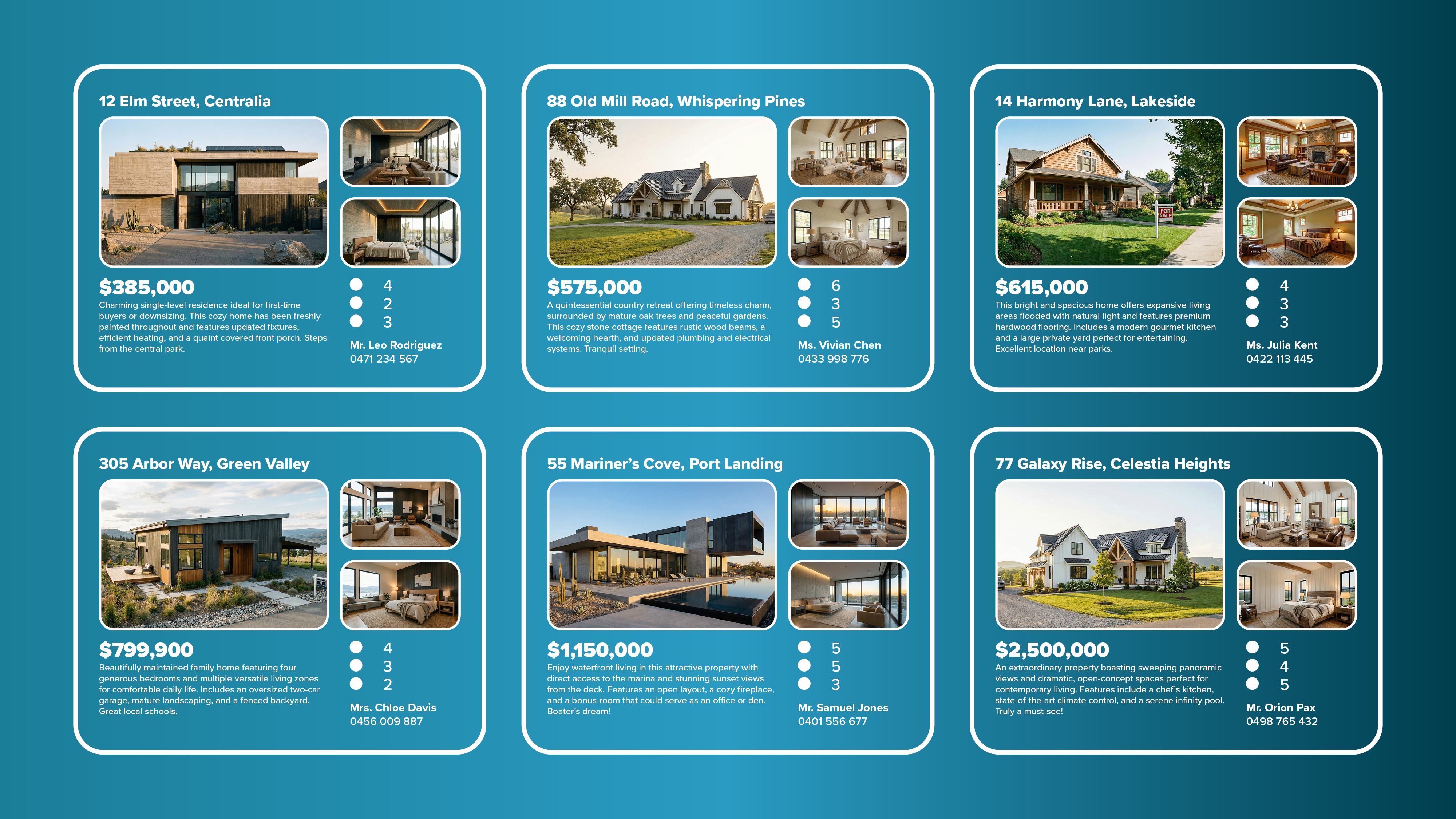
Generate property listings and brochures with style-driven automation. Assign unique Object Styles to image frames and use the Generator to sort entire property sets by price order, populating complex, single image or multi-image records in a single click, with all related text fields formatted too.
02 — automotive dealerships
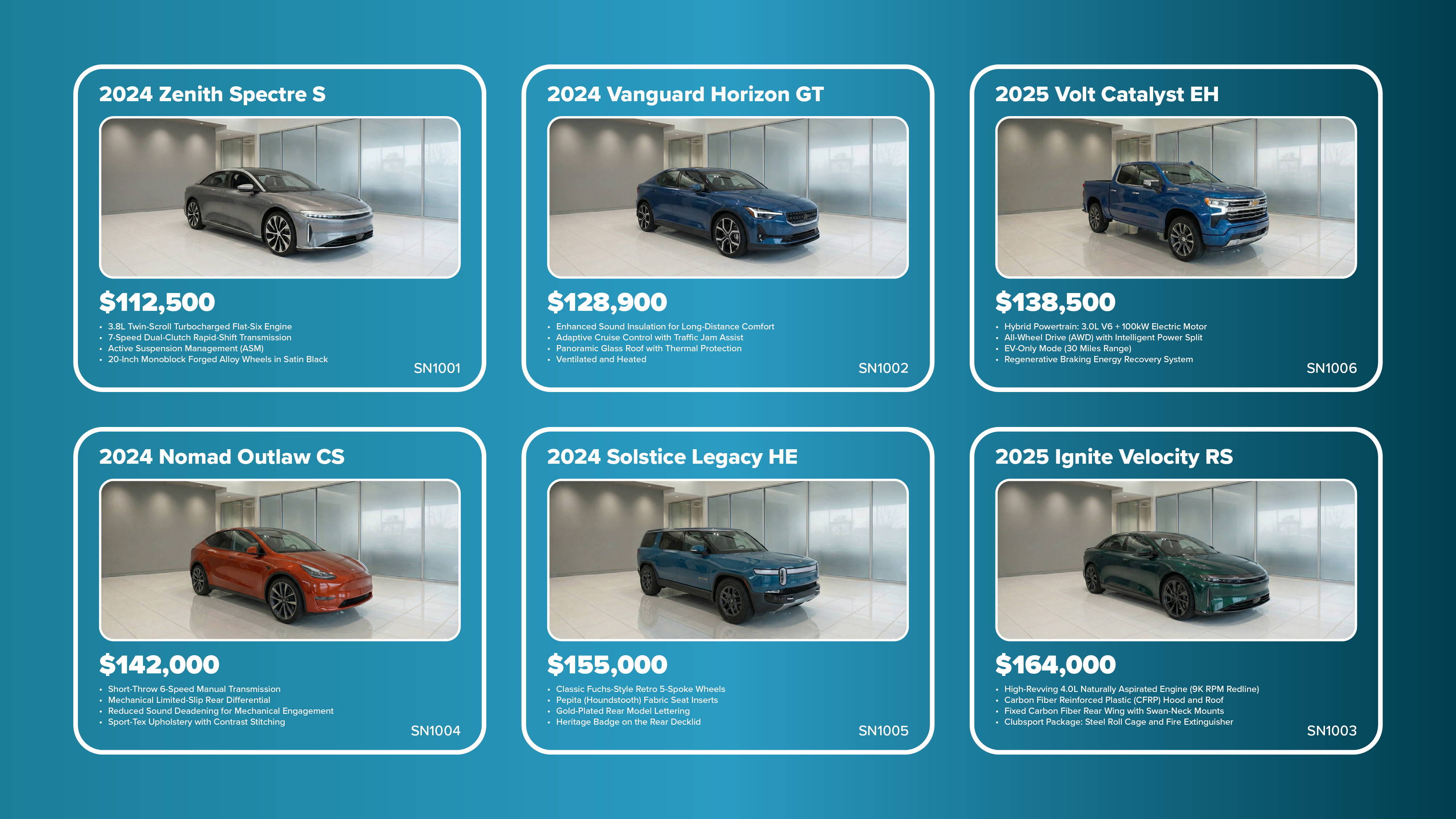
Create vehicle inventory sheets and window stickers with high-velocity production. Map Paragraph Styles to your inventory data to instantly list vehicles by price or year order—lowest first or highest first—the choice is yours. Transform your existing templates into smart assets with minimal effort.
03 — editorial layout
Streamline article workflows by laying out text across multiple frames in a group—intelligently separating Headline, Subhead, and Body styles—while maintaining total flexibility for manual design refinements and precise text-wrap control.

04 — portfolio layout
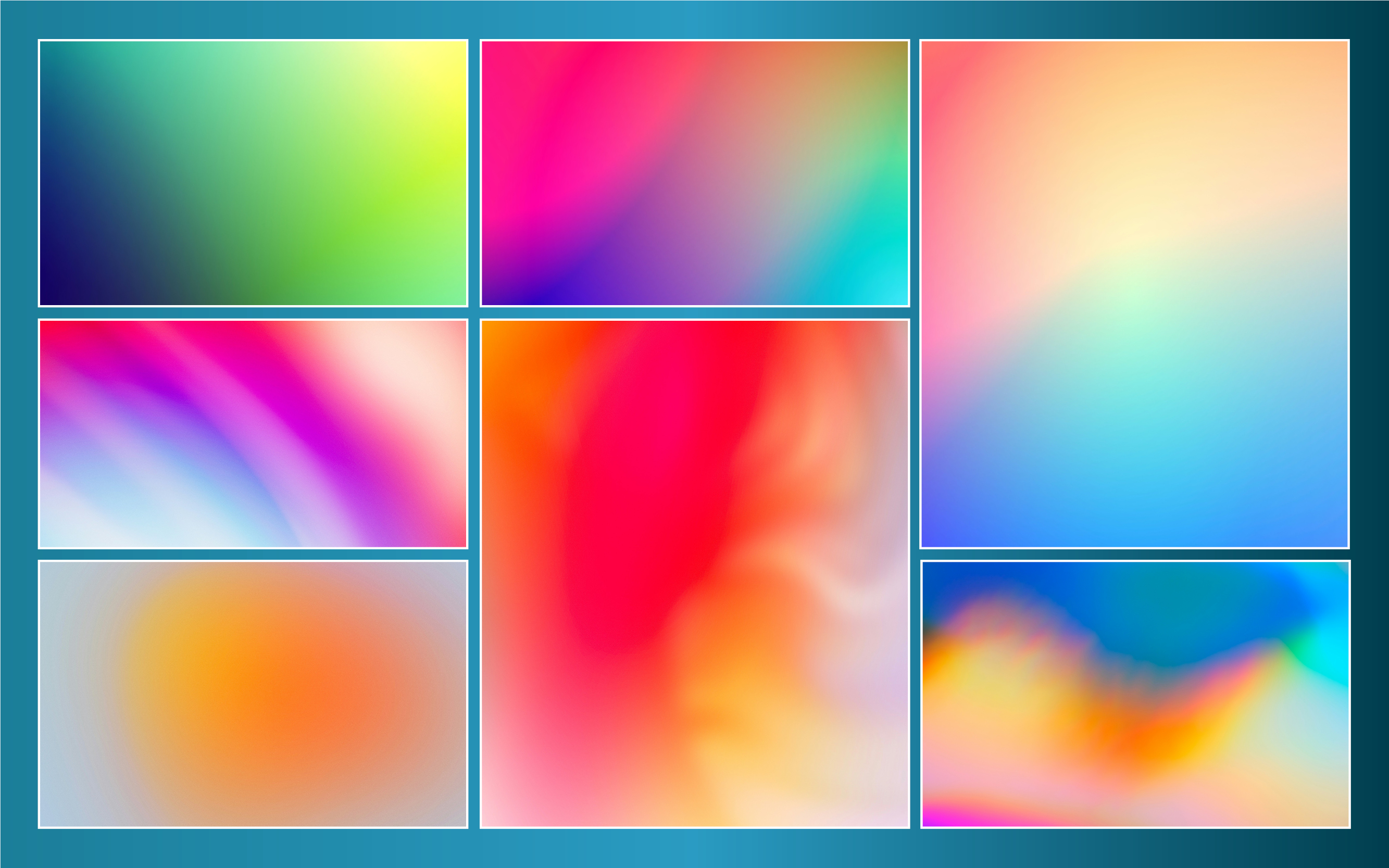
Rapidly assemble creative portfolios using Image Mode. Drag and drop assets in a tiled visualization window for full creative control over your sequence, then sync with Object Styles to populate your best work across any number of pages.
05 — business directories
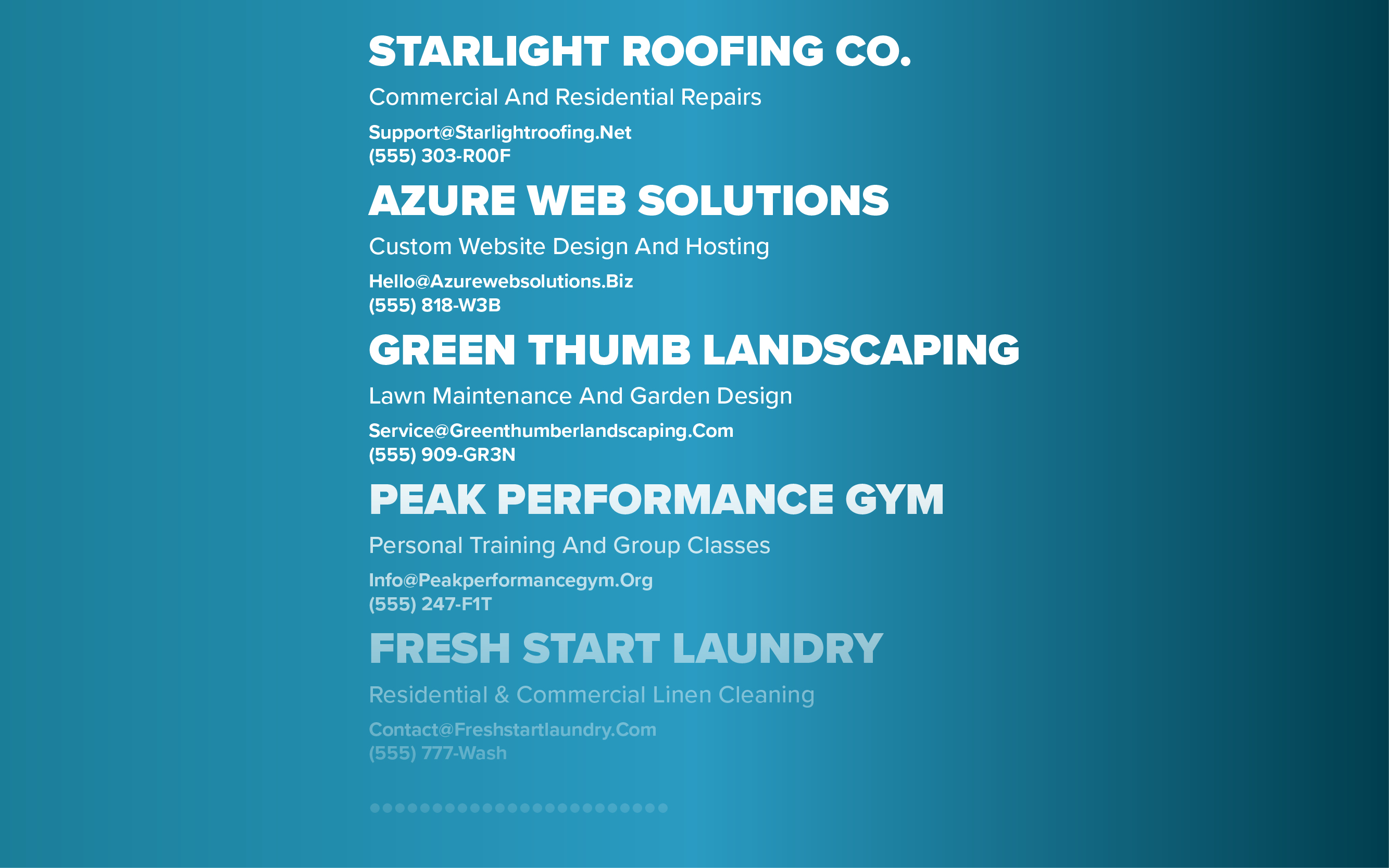
Automate data-heavy lists using Text Mode to populate business listings into a single text frame. Sort by industry or service order to generate clean, professional directories and price sheets in seconds.
$5/mo
that's it. no catch. just a monthly fee.
Supports Windows and macOS systems
14 DAY FREE TRIAL
$50/yr
save with a yearly plan. billed annually.
Supports Windows and macOS systems
14 DAY FREE TRIAL